
Welcome to PixelForge
What PixelForge is, what it can do and how your images stay on your device.
PixelForge is a free photo editor and painting app that runs entirely in your web browser. There is nothing to install and no account to create: open the editor and start working.
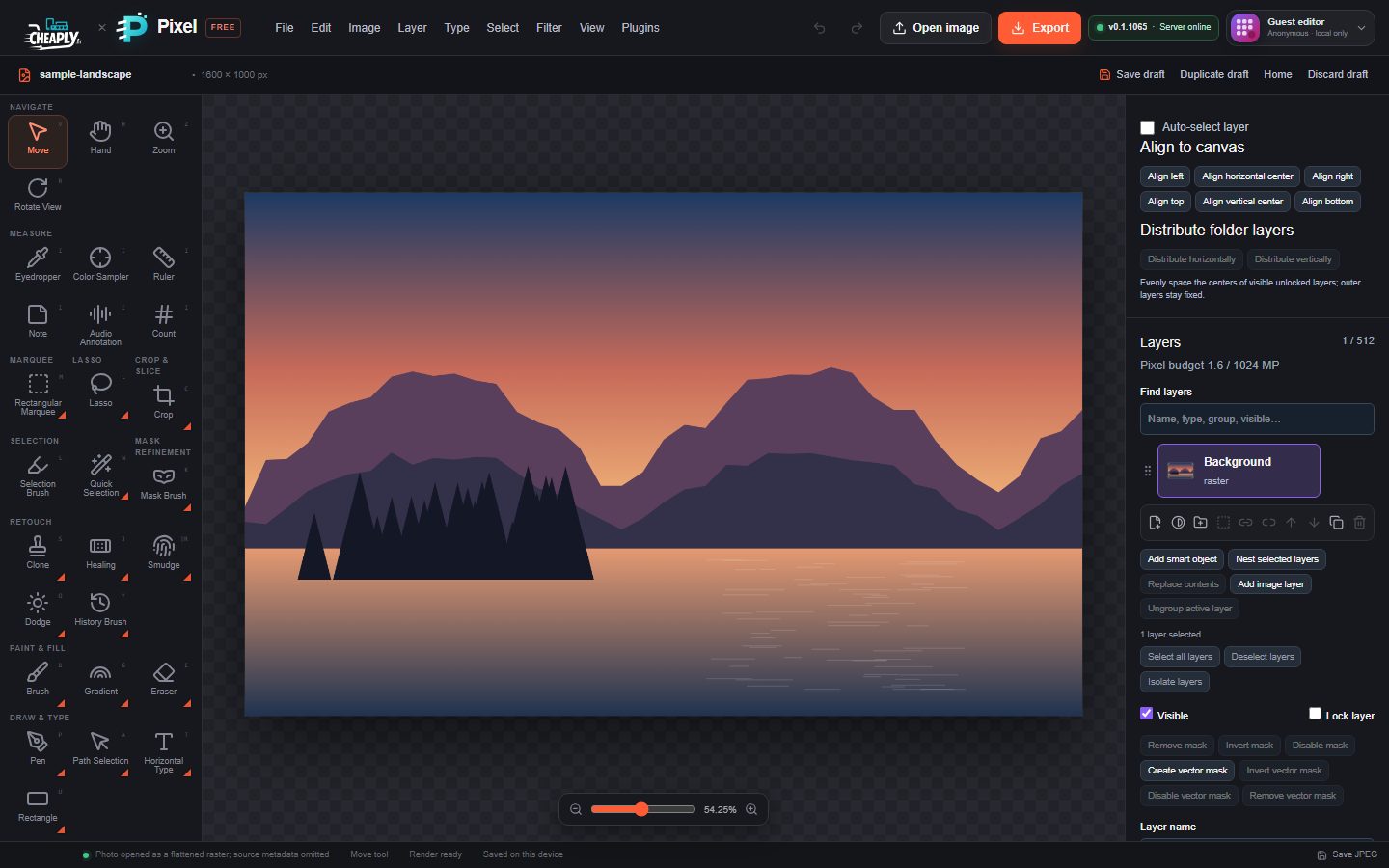
#What you can do
- Edit photos: crop, straighten, correct colour and tone, retouch blemishes and remove distractions.
- Work in layers: stack images, text, shapes and adjustments, with masks, blend modes and layer styles.
- Paint and draw: brushes with pressure, presets, symmetry and textures, plus vector shapes and paths.
- Apply effects: more than a hundred filters, including blurs, distortions, lighting and stylised looks.
- Open and export many formats: PNG, JPEG, WebP, layered SVG, PSD layers, TIFF, PDF pages and PixelForge project files.
#Your images stay on your device
Images are decoded, edited and exported inside your browser. Nothing is uploaded unless you sign in and choose to save a copy to your cloud projects. See Privacy and your data for the details.
#Where to go next
- Take the workspace tour to learn where everything is.
- Learn the basics of layers.
Still stuck? See Troubleshooting or report a problem.